

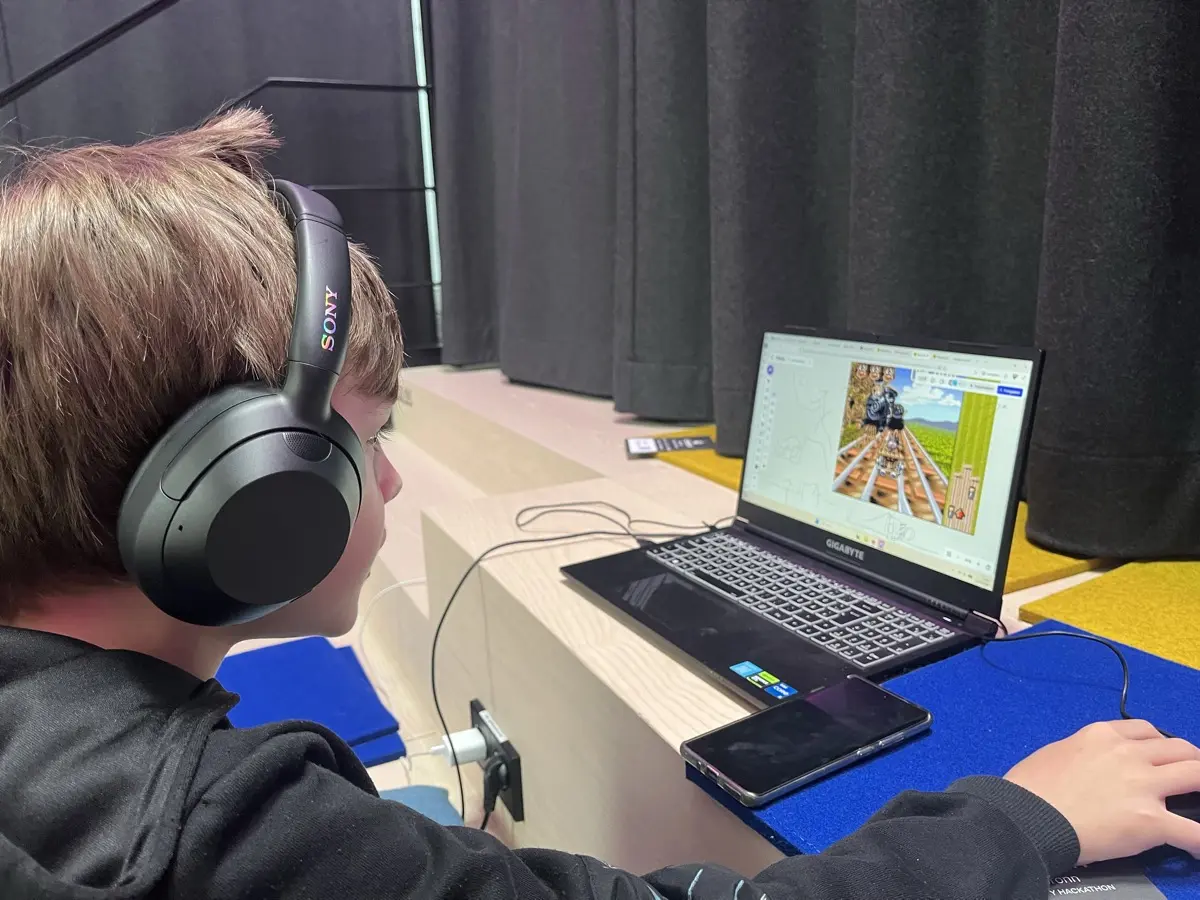
Last weekend my son and I joined Hackathon Heilbronn. 200+ participants, 70 teams, 24 hours. He’s ten. His first hackathon. Also the first time I shipped a complete product without writing a single line of code myself. Everything was built through AI.
The idea
We wanted to make retro games playable for people with disabilities. We picked Hugo, a TV show game from the 90s where viewers called in and steered a troll through obstacle courses using their phone keypad. It originally ran on proprietary hardware with proprietary binary formats, desktop only.
The goal: bring Hugo to the browser and add alternative input methods. Voice commands, hand gesture tracking via webcam, and keyboard. All running locally, no cloud, no data leaving the device.
What we built
PlayAble is an accessible retro gaming portal. Open a URL, pick a game, choose how you want to control it, play.
The forest runner minigame works with three input methods simultaneously:
- Keyboard: arrow keys, WASD, numpad
- Voice: say “up” to jump, “down” to duck, “go” to start. Runs client-side via TensorFlow.js Speech Commands, an 18-word model (4 MB, no server needed)
- Hand gestures: open hand = jump, fist = duck, thumbs up = confirm. MediaPipe HandLandmarker in WebAssembly with GPU acceleration
All three work at once. The game merges them every frame. Jump by pressing a key, saying “up”, or raising your hand.
On top of that: a WebGL CRT shader (barrel distortion, scanlines, chromatic aberration) for the authentic 90s TV look, adjustable game speed for players who need more time, and an easter egg where forming a heart shape with both hands triggers a particle animation. My son insisted on that last one.
The tech
Vanilla HTML5 Canvas with ES Modules. No React, no bundler. The original Hugo assets (sprites, audio, video) come from hugo-re, a reverse engineering project that decoded the proprietary CGF/TIL/LZP formats. A Python script converts those into PNG/MP3/MP4.
Game logic runs at 320x240 on an offscreen canvas (original resolution), then a WebGL 2 post-processing pass upscales it through the CRT fragment shader. Falls back to plain canvas if WebGL is unavailable.
Voice recognition uses the TensorFlow.js 18-word browser FFT model, loaded on demand. Echo cancellation and noise suppression filter out the game’s own audio. Confidence thresholds are tuned per word length (0.70 for short words, 0.85 for longer ones), debounced at 400ms.
Hand tracking uses MediaPipe’s float16 model via dynamic ESM import, running at ~15 fps on a 320x240 webcam feed. Finger counting compares tip-to-wrist distance against MCP-to-wrist distance. Gestures need 3 stable consecutive frames before firing to avoid false positives.
The AI part
The repo is ~200KB of JavaScript, ~30KB of CSS, ~32KB of Python, plus GLSL shaders. I wrote none of it. We designed the product, decided what to build and how it should work, tested constantly, and steered the AI through the implementation.
The skill at this point is knowing what to build and understanding the constraints: 24 hours, browser-only, no server, privacy-first. The AI writes the code. We spent more time debating CRT scanline intensity than solving technical problems.
The result
Live demo. Video demo. Source code.
We didn’t win. My son got to stay up way too late, eat too much pizza, and watch a project go from nothing to deployed in a single day. He now thinks hackathons are the best thing ever.